ICAI SSP Portal, Check Registration, Login, and Services Details
The ICAI SSP portal has been launched for spontaneous CA-related tasks. Updated details of login, course registration, access exam dates, and more.
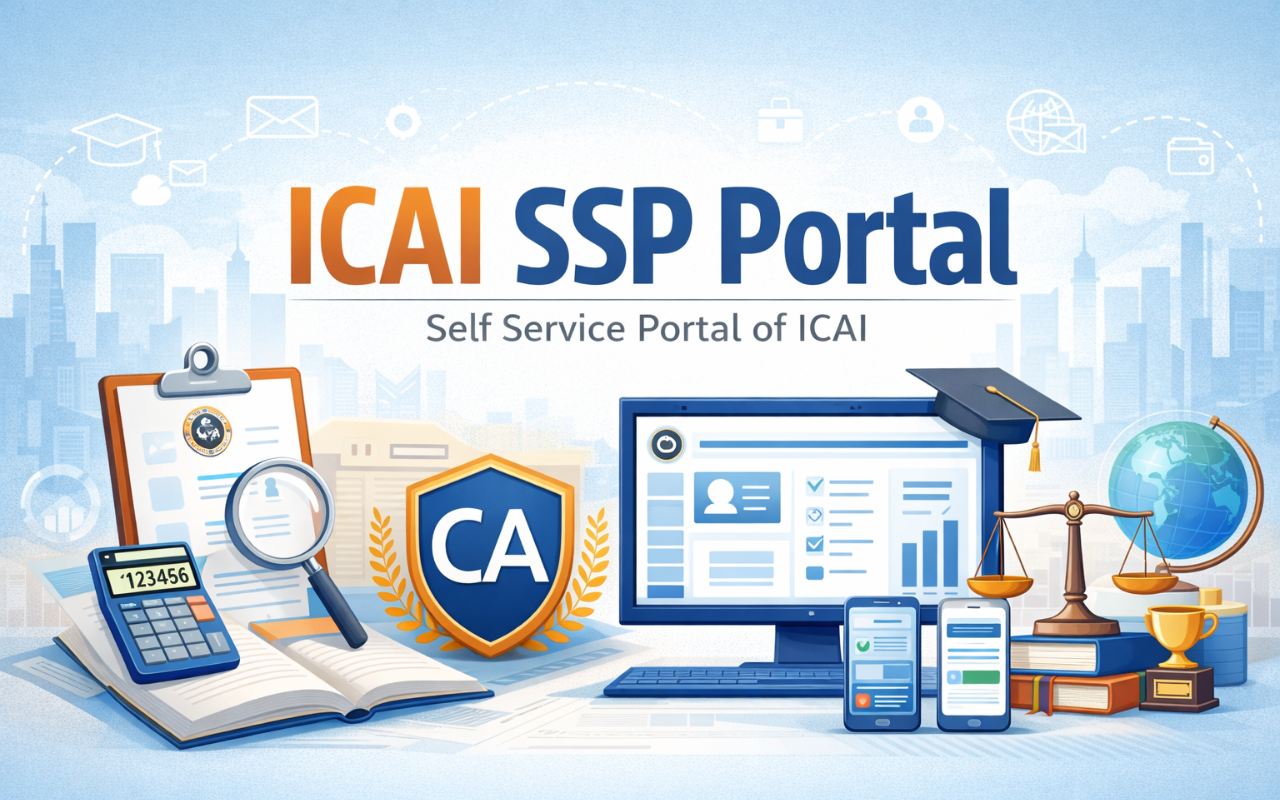
Table of Content
The Institute of Chartered Accountants of India (ICAI) introduced the Self-Service Portal (SSP) for students, firms, and members of Chartered Accountants (CA). ICAI controls accounting work, a colleague monitors quality through reviews, SSP prepares accounting standards, etc., through the portal. CA students, members, and firms can file and update all ICAI forms on this portal.
ICAI SSP Portal
The ICAI SSP portal, developed by the Institute of Chartered Accountants of India (ICAI), is an online platform designed to facilitate various services for chartered accountants (CAs) and students. This allows users to easily access and manage tasks such as examination registration, course application, membership updates, and financial transactions.
The portal ensures efficient communication and transparency and enables members and students to track their requests and submissions. By streamlining these processes, the ICAI SSP portal enhances the overall experience for users, making it an essential tool for anyone involved in the accounting profession in India.
ICAI Self-Services Portal Services
The SSP portal provides several services for students, members, and firms. What can you do on the portal here:
- Check CA exam dates and results.
- Register for courses.
- Apply for post-qualification courses.
- Pay membership fees.
- Register for a new membership.
- Restore your membership.
- Apply for organization empanelment/addition.
- Surrender COP (Certificate of Practice)/membership.
- Update your engagement/employment details.
- Apply for the approval of a CA firm name.
- Change the name of an existing CA firm.
- Register a CA firm.
- Update details of the reconstitution of a CA firm.
- Add/remove CA firm office.
- Fill out the firm closure form.
- Update details of the merger/demerger of a CA firm.
These services are designed to make your interactions with the portal easy and efficient. Whether you're a student, a member, or representing a firm, the ICAI SSP portal has you covered for various CA-related processes.
How to Log In the ICAI SSP Portal
ICAI members and CA students can use the Self-Service Portal (SSP) using their member registration number (MRN) or student registration number (SRN). If you are a new candidate who wants to register for the CA course, you can also use SSP. For existing members and students, the first step is to register on the SSP portal using your SRN or MRN. Once successfully registered, follow these simple steps to log in:
Step 1: Go to the ICAI website and click on the 'Self-Service Portal' option on the homepage.
Step 2: Enter the user ID and password obtained at the time of registration on SSP. Step 3: Click on the 'Login' button.
SSP Portal Registration for New Students
New people interested in enrollment for the CA course can easily register through the SSP portal by following these simple steps:
Step 1: Go to the ICAI website and find the 'Self-Service Portal' option on the homepage.
Step 2: Click on 'First time user (new student).' Click the button here.
Step 3: Fill the registration form with the necessary details like name, gender, date of birth, email, mobile number, country name, and nationality. Then, click on the 'Generate OTP' button.
Step 4: Enter the captcha and click on 'Submit' to get OTP.
Step 5: Students will get a verification link in their email and an OTP on their mobile.
Step 6: Input the obtained OTP and click on 'Valid OTP.'
Step 7: Once the OTP verification is successful, students will receive their user ID and password through email/SMS. With these login credentials, they can use SSP and complete the registration process.
SSP Portal Registration for Existing Students
If you are a student who is already registered with ICAI and has an SRN number, then here is how you can easily register on the SSP portal:
Step 1: Visit the ICAI website and select the 'Self-Service Portal' option.
Step 2: If you do not yet have an SSP login, click 'Do not log in to SSP yet.' (Existing student/member) Click here.
Step 3: Select the 'Student' option.
Step 4: Enter your student registration number (SRN) and date, and click on 'valid.'
Step 5: After verification, update your communication details, such as email and mobile number.
Step 6: Enter your communication details and click on 'Generate OTP.'
Step 7: Fill in the captcha and click 'Submit.'
Step 8: Enter the OTP received on your mobile or email and click on 'Validate OTP.'
Step 9: After OTP verification, you will get a user ID and password in your email. Use these credentials to log in to SSP. Your SSP registration is now complete! Existing students can log in using the credentials provided.
SSP Portal Registration for Existing Members
To register on the SSP portal, ICAI members with an MRN number can follow these simple steps:
Step 1: Visit the ICAI website and click on 'Self Service Portal' on the homepage. Step 2: Click 'SSP has not yet logged in? (Existing student/member) Click here.'
Step 3: Select the 'Member' option.
Step 4: Enter your six-digit MRN and date of birth, and click on 'valid.'
Step 5: After clicking on 'valid', update your communication details, such as email and mobile number.
Step 6: Enter the details and click 'Produce OTP.'
Step 7: Input the CAPTCHA and click on 'Submit.'
Step 8: Enter the OTP received on your mobile or email and click on 'Valid OTP.'
Step 9: Once valid is valid, click on 'Step 1: Generate Declaration Form' and upload a declaration form, and then 'Step 2: Download Announcement Form.'
Step 10: Print, fill out, and scan the announcement form.
Step 11: Return to the 'Declaration' heading, click on step 3: Upload the scanned declaration form, and upload the scanned form.
Step 12: Click 'Step 4: PAN Card/Voter ID Upload,' upload the scanned document, and click on 'Submit.'
Step 13: On approval, you will get a user ID and password to complete the registration.
The SSP portal provides convenient online services for members and students. Students can apply for the CA exam and have access to study material. Members can manage membership-related tasks, benefiting CA firms with registration, updates, and closures.
Summary
The ICAI SSP portal (Self-Service Portal) is an integrated digital platform launched by the Institute of Chartered Accountants of India (ICAI) to streamline student and member services. This allows users to register for courses, apply for exams, update profiles, submit forms, track applications, and access important information online. The portal enhances transparency, efficiency, and convenience for ICAI students, members, and firms across India.

FAQs
What is the ICAI SSP Portal?
The ICAI SSP Portal is the self-service portal launched by ICAI for students and members. It offers online services like course registration, exam applications, profile updates, and form submissions to streamline processes.
How do I register on the ICAI SSP Portal?
Visit https://eservices.icai.org, click on "First Time User (New Student)", and fill in your details. You'll receive login credentials via email. Use them to access services and complete your profile.
What services are available on the ICAI SSP Portal?
Students can register for CA courses, exams, and articleship. Members can apply for COP, firm registration, and profile updates. The portal also supports form submissions and application tracking for all users.
How can I reset my ICAI SSP Portal password?
Click "Forgot Password" on the login page. Enter your registered email or SRN, and follow the instructions sent to your email to reset your password and regain access to the portal.
Why am I unable to submit my form on the SSP Portal?
Ensure all mandatory fields are filled, documents are uploaded correctly, and there are no browser issues. Use updated browsers like Chrome and clear your cache before retrying the submission.
How do I apply for articleship through the SSP Portal?
Log in, navigate to the “Articleship” section, fill out Form 102 and 103, and upload the required documents. The form needs digital signatures of the principal and student before final submission for approval.
Can I track my application status on the SSP Portal?
Yes, you can track the status of your submitted applications under the “My Applications” tab. It shows the current processing stage and whether any action is pending from your side.
How do I update my address or email on the SSP Portal?
Go to the “Profile Edit” section after logging in. Update your address, phone number, or email ID, and submit the changes. It may take a few days for verification and approval.
What should I do if the SSP Portal shows an error?
Clear your browser cache, try using a different browser, or open the portal in incognito mode. If the issue persists, raise a grievance or email the ICAI support team with screenshots.
How can I contact ICAI for SSP Portal issues?
You can raise a grievance through the portal’s Helpdesk section or email support at ssp.support@icai.in. Include your SRN, issue details, and screenshots for faster resolution by the ICAI team.