
How to Organise CA Notes Using Subject, Chapter and Topic Tags
Learn a practical tagging system for CA notes using subject, chapter, topic, revision, formula, and test-error labels to retrieve study material quickly without…
In this article(9 sections)ShowHide
Folders create the main structure of your library. A subject folder can hold class notes, revision sheets, practice questions, and test analysis. Tags connect material across folders, such as all formulas, common errors, or topics due for revision.
A note about a formula may belong to one chapter but also carry tags like `formula` and `revision`. This lets you find it through different routes. You do not need tags for everything; use them when they provide a clear search benefit.
Build a Three-Level Tag Structure
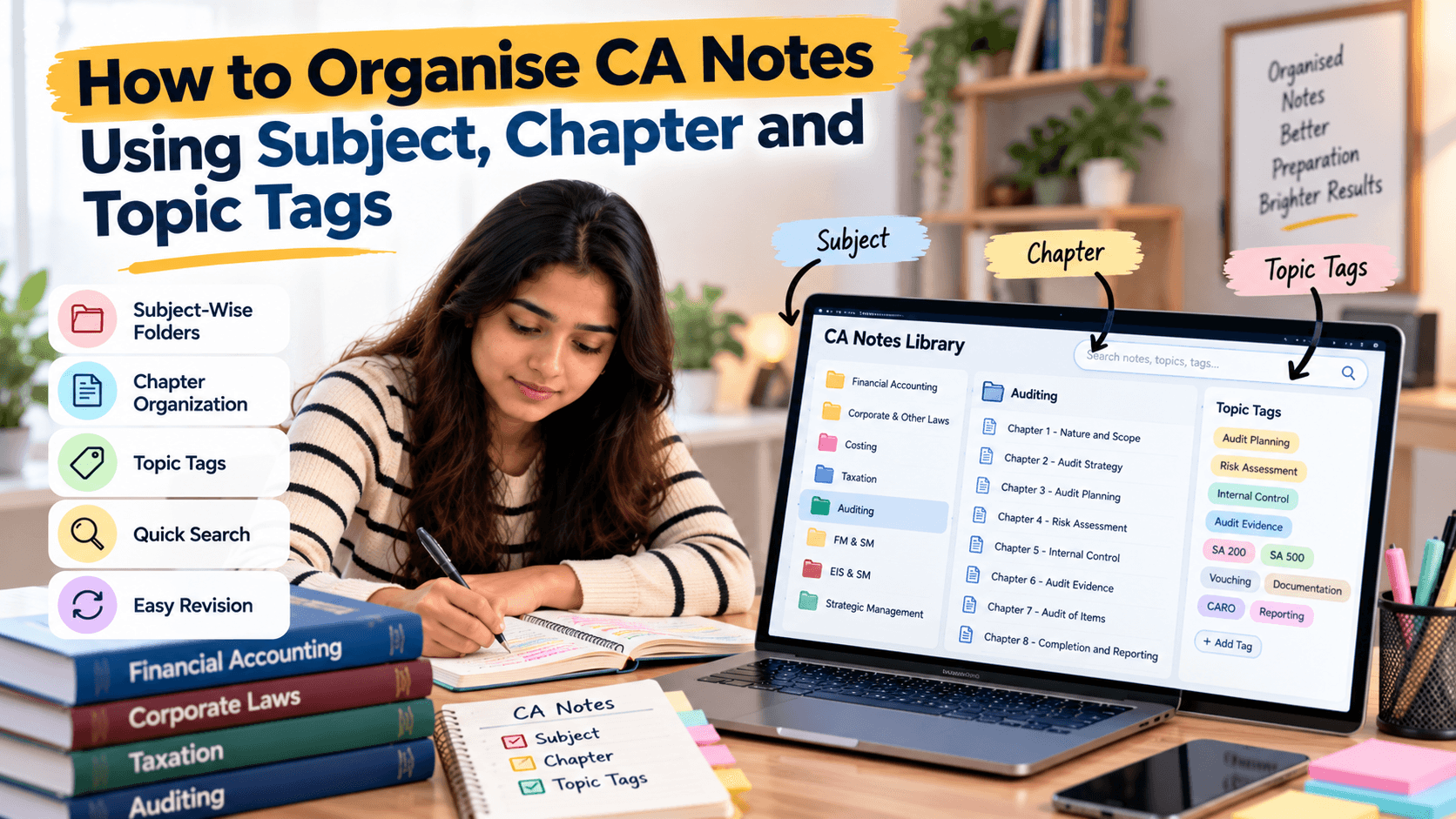
Start with subject, chapter, and topic tags. Use a consistent format such as `subject:taxation`, `chapter:residential-status`, and `topic:scope-of-income`. This makes tag types easy to recognise and reduces confusion.
If your app does not support structured tags, use a standard prefix in the filename or index. The software matters less than consistent use. Choose labels that are short, readable, and easy to type.
Add Resource Tags Only When Useful
Resource tags can distinguish `class-notes`, `revision`, `formula`, `case-study`, `practice`, `test-error`, and `doubt`. Do not create a separate tag for every file format or minor variation. The goal is quick retrieval, not classifying every detail.
Choose the smallest vocabulary that covers real search needs. If you often look for past mistakes, a `test-error` tag is useful. If you rarely search by resource type, a clear folder may be enough.
Use a Consistent Naming Convention
Use lowercase tags, hyphens between words, and predictable prefixes. Avoid creating multiple versions such as `Tax`, `taxation`, and `tax-paper` for the same subject. Decide on one official label and apply it consistently.
Keep a short tag dictionary in your index. Before adding a new tag, check whether an existing one already covers the idea. Merge duplicates periodically rather than renaming everything during a busy study week.
Tag Notes at the Right Moment
The easiest time to tag a note is when you save or finish it. Add the subject and chapter tags first, then add one or two topic or resource tags if they help retrieval. When importing old files, tag the most frequently used notes first instead of processing the whole archive at once.
Do not interrupt a productive study session to perfect labels. Save the material with a meaningful filename and return to tagging during a short admin block if necessary.
Create Search Paths for Common Study Tasks
Before a test, you may need a chapter’s revision notes and practice questions. During final revision, you may want formulas across several chapters. After a mock test, you may need every note connected to recurring errors.
Create tags that support those real tasks. A temporary label such as `revise-next` needs a rule for removing it after completion. Temporary tags should not become permanent clutter.
Avoid Tag Overload
Too many tags make the system harder to maintain. Avoid labels such as `important`, `very-important`, and `must-do` unless each has a distinct meaning. If every note receives every tag, none of the labels helps you choose what to study.
Use a small core vocabulary and add a new tag only when existing labels cannot support a search you repeatedly need. Review the tag list monthly or at the end of a study cycle.
Combine Tags With a Master Index
A spreadsheet index can record filename, subject, chapter, topic, resource type, tags, and last-reviewed date. This helps if your notes live across apps or file formats. It can link a PDF, typed note, practice set, and error log to the same topic.
Do not duplicate the entire note in the index. The index should be a directory, not another set of notes requiring constant updates.
Example Tag System and Review Routine
A practical set might include `subject:accounts`, `subject:law`, `subject:taxation`, `chapter:depreciation`, `topic:written-down-value`, `type:revision`, and `type:test-error`. A depreciation adjustment note could use subject, chapter, topic, and practice tags.
During a weekly review, search for topics due, clear completed temporary labels, and update review dates. Studycaller can be part of your broader preparation workflow; consistent labels across notes, practice files, and test feedback make follow-up revision easier.
Conclusion
Subject, chapter, and topic tags help CA students find notes from more than one direction. Keep the vocabulary small, use consistent prefixes, combine tags with a sensible folder structure, and review temporary labels. A clear system saves time when it remains simple enough to maintain.
Notes students love
Free notes from the Studycaller library, picked for this article.
Amendment Notes · CA Foundation Business Economics
Full economics handwritten notes by CA Parag Gupta sir
Heet Hingrajiya 209 68.6k
Detailed Notes · CA Foundation Business Economics
"Hi guys! Maine kuch naya try kiya Economics me — ek alag andaaz, ek alag soch... Chapter 1: Nature & Scope of Business Economics – Unit 1 I
مُحَمَّد 126 14.7k
Chart Book · CA Foundation Business Laws
Chpter 3 the sale of goods act Unit. 1 only. Full of story line Concept clarity and funny stories punch lines
مُحَمَّد 118 14.2k
Amendment Notes · CA Foundation Business Laws
Nia 1881 story line pdf Coverage total 11 Concept
مُحَمَّد 117 12.5k
Frequently asked questions
What tags should I use for CA notes?
Start with subject, chapter, and topic tags. Add a few resource tags, such as revision, formula, practice, or test error, only when they help you find material more quickly.
Are tags better than folders for organising CA notes?
Folders provide broad structure, while tags connect resources across folders. A subject folder can store main files, and tags can find all revision notes or test errors related to a concept.
How should I name subject and chapter tags?
Use a consistent format such as `subject:taxation` and `chapter:residential-status`. Keep labels short, use consistent spelling, and maintain a small tag dictionary.
How many tags should each note have?
Use subject and chapter tags as a baseline, then add a topic or resource tag when it improves retrieval. Avoid vague labels that do not change how you search or revise.
Can I use tags in a normal folder system?
Yes. If your file manager does not support tags, include consistent keywords in file names or maintain a spreadsheet index. The goal is dependable retrieval, not a specific application.
How can I avoid duplicate tags?
Keep a tag dictionary and check it before creating a new label. Standardise spelling and prefixes, then merge duplicates during a periodic review.
Should I tag old CA notes all at once?
Start with frequently used subjects and notes needed for upcoming revision. Process older files in small batches so archive cleanup does not take time away from learning.
How do tags help during revision?
Tags let you collect related revision sheets, formulas, practice questions, and recurring errors. Search for a topic or resource type and use the results to plan a focused session.
Do I need a separate tag for important topics?
Only if the label has a clear meaning and helps you prioritise. If every topic is marked important, the tag loses value. Use test evidence or a defined revision status.
How can Studycaller fit into my CA notes organisation?
Use Studycaller within your broader preparation workflow and apply the same subject, chapter, and topic labels to your notes, practice files, and test feedback.