CA Notes on a Tablet vs Laptop: Which Setup Works Better for Digital Studying?
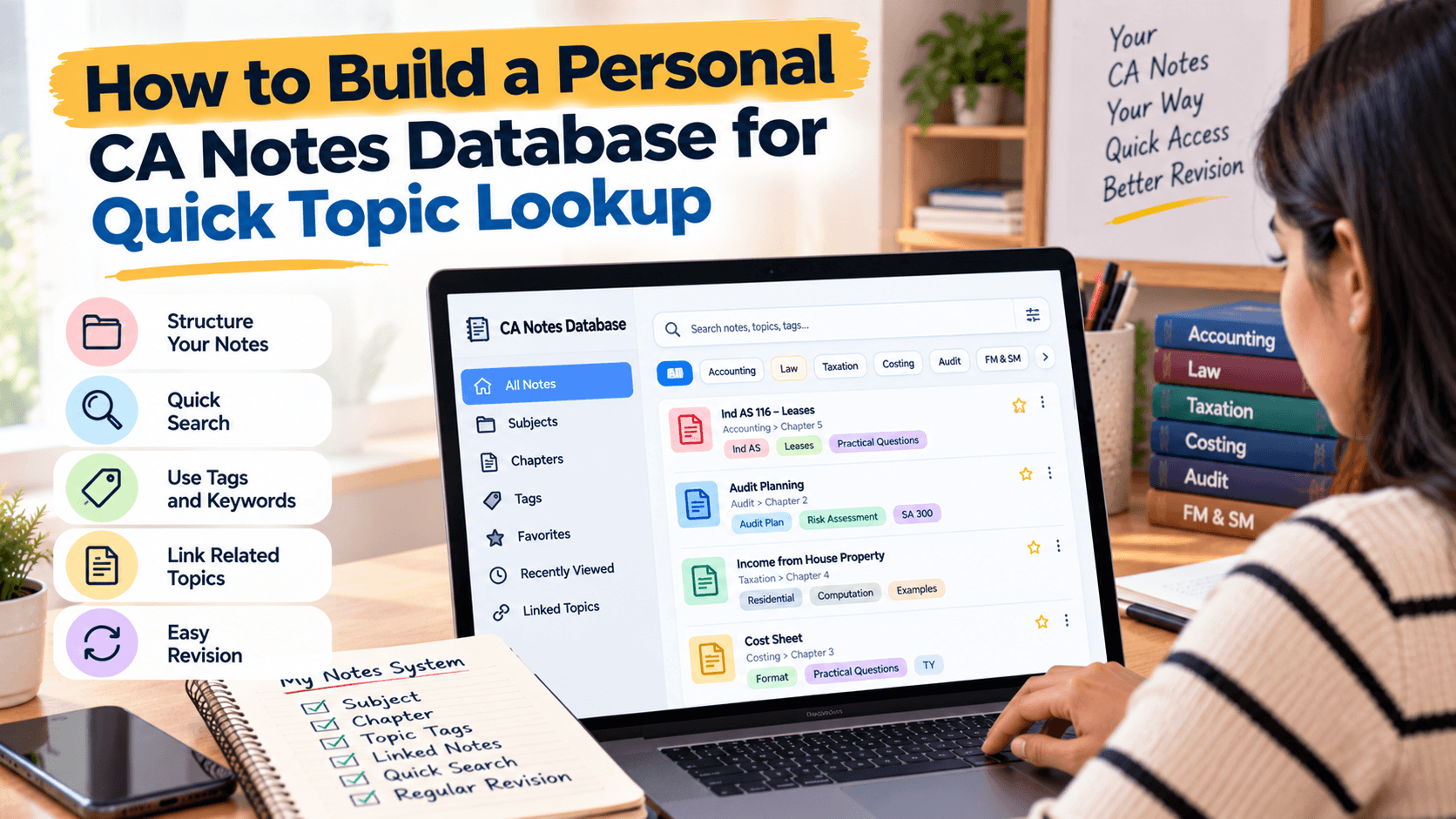
Compare tablets and laptops for handwritten annotations, typing, multitasking, portability, file management, and cost so you can choose a digital CA study setup that…
In this article(9 sections)ShowHide
List what you do in a normal week: watch lectures, annotate PDFs, write long answers, solve numerical questions, maintain spreadsheets, or switch between windows. The best device supports your most frequent tasks with the least friction.
Also consider where you study. Portability matters if you move between home, college, office, or library, but battery life, screen size, keyboard comfort, file access, and repair costs matter too.
Where a Tablet Works Well
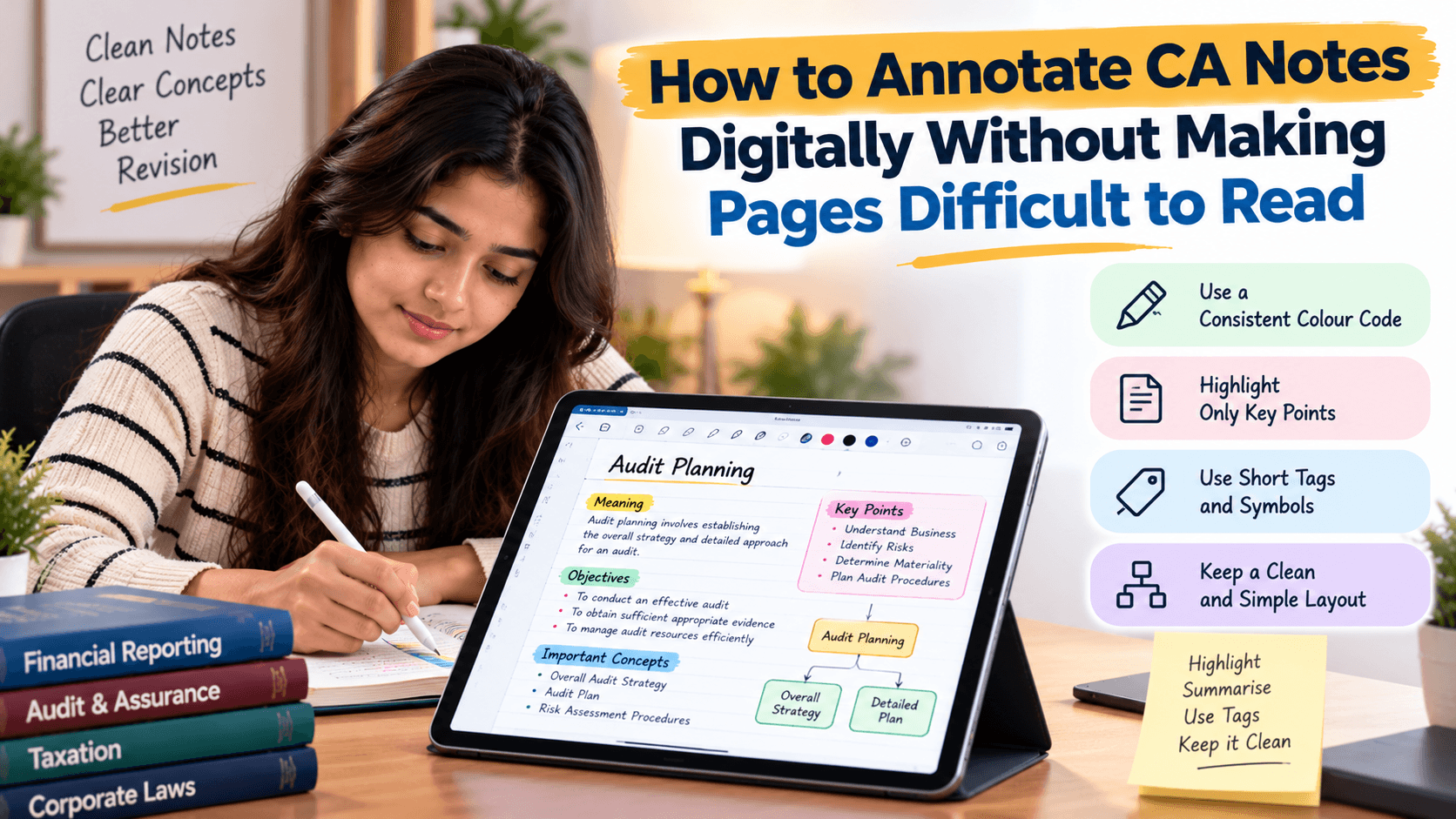
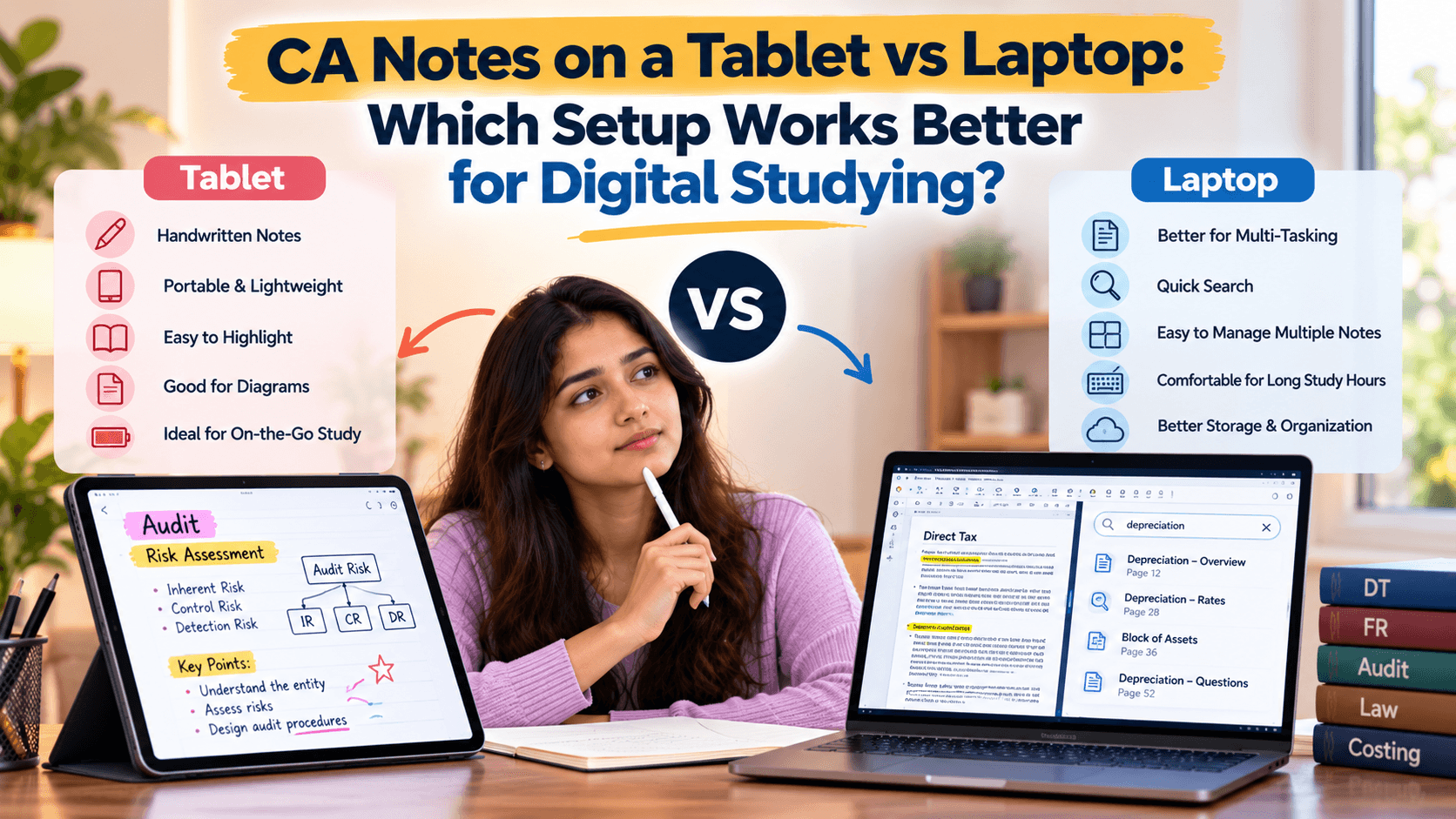
A tablet with a stylus is convenient for writing directly on PDFs, circling important lines, adding arrows, and solving rough numerical steps beside a question. It can feel close to paper while keeping notes digital. Tablets are also easy to carry for reading between study sessions.
Long typing tasks may feel awkward without a keyboard. App limitations, storage, and file transfer can also affect how easily notes move between devices. Test your preferred annotation app before committing to a tablet-only workflow.
Where a Laptop Works Well
A laptop is often better for long typing sessions, structured documents, spreadsheets, folder management, and keeping several windows open. It can be easier to compare a question paper with a solution, update an error log, or create a searchable index.
A laptop may be less natural for handwritten annotation unless it supports a touchscreen and stylus. It may also be heavier to carry, and long sessions require attention to posture and screen comfort.
Tablet vs Laptop: Quick Comparison
| Study need | Tablet | Laptop |
|---|---|---|
| PDF handwriting | Usually convenient with a stylus | Depends on touchscreen/stylus support |
| Long typed notes | Better with an external keyboard | Usually more comfortable |
| Spreadsheets and file management | Can feel constrained | Often easier |
| Portability | Usually lighter | Depends on model |
| Multitasking | App and screen dependent | Often strong for multiple windows |
| Cost | Stylus may cost extra | Keyboard usually included |
| Best use | Reading, marking up, handwritten work | Typing, organising, analysis |
Treat this as a general guide; specific models and apps can change the experience.
Numerical Subjects and Digital Workings
Numerical subjects require space for formulas, adjustments, and step-by-step calculations. A tablet can be useful for writing directly beside a question or keeping handwritten workings with a digital chapter. A laptop can help organise practice files and spreadsheets or compare longer solutions.
Reproduce the conditions you will face in the actual examination. Digital annotation supports understanding, but it should not replace practising the answer format and working style required in the exam.
Theory Papers and Reading Comfort
For theory-heavy papers, a tablet can help highlight key phrases and add comments, while a laptop can help create summaries, topic lists, and structured written answers. Avoid highlighting whole pages; add short notes explaining why a line matters or what question could test it.
Test a sample chapter on your device. Check text size, diagrams, page navigation, and whether you can maintain a comfortable posture. A stand or external monitor may help if you study at a desk for long periods.
File Management and Search
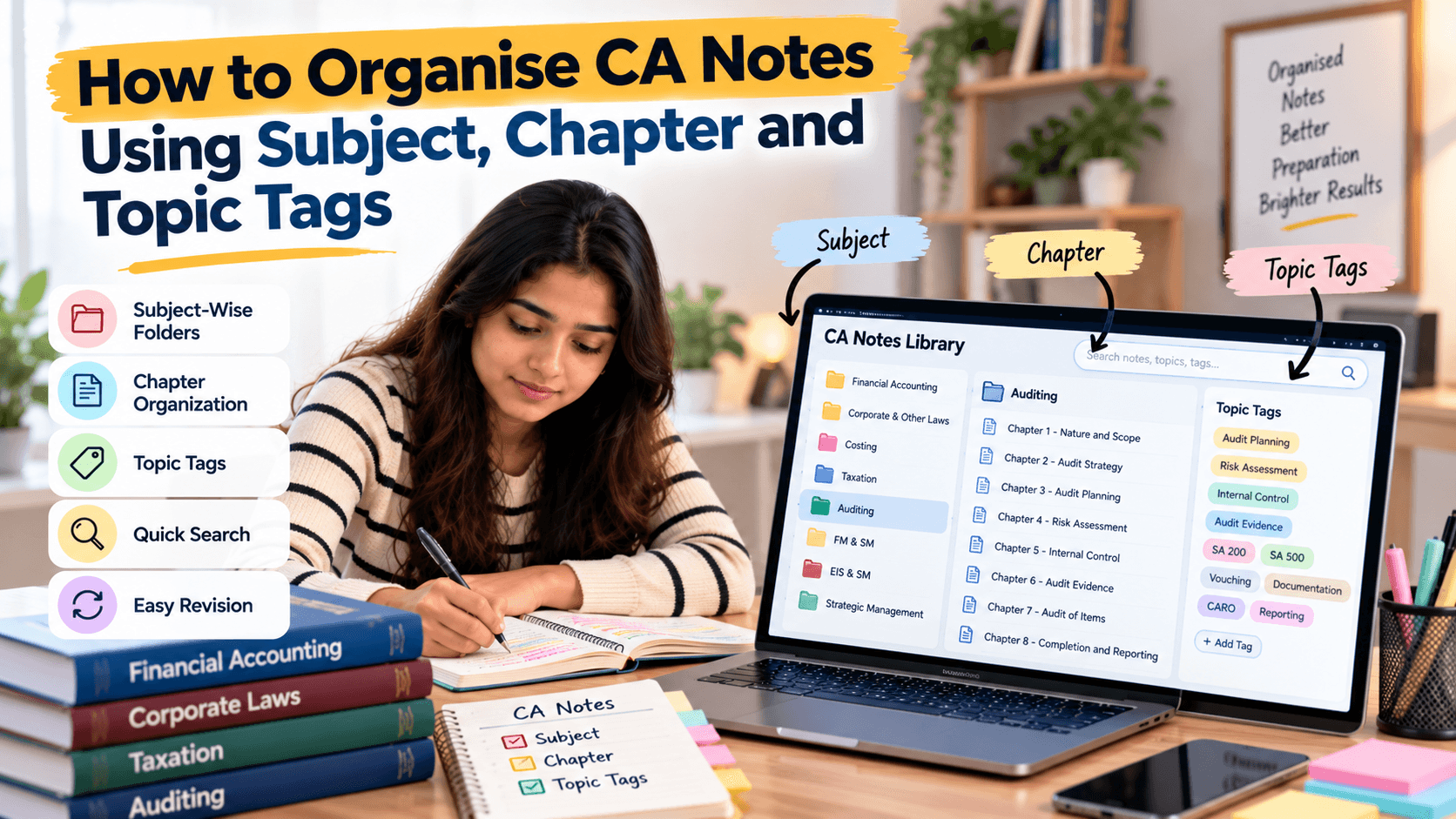
A laptop often provides direct control over folders, bulk renaming, and file organisation. A tablet can still handle a well-organised library with cloud storage and a capable PDF app. Whichever you choose, use consistent file names, subject folders, and backups.
Check whether your apps search inside PDF text or only filenames. Scanned material may need OCR. If you switch devices, test whether annotations and bookmarks sync correctly.
Choose One Device or a Hybrid Setup
A tablet-only setup can work if your main tasks are reading, annotating, watching classes, and writing by hand. A laptop-only setup can work if you prefer typing, spreadsheets, file management, and multitasking. A hybrid setup may be useful if you already own both.
Do not buy a second device simply because someone recommends it. Identify a recurring task your current device cannot handle. If the limitation is minor, a stand, keyboard, storage upgrade, or better app may be enough.
Apps, Accessories, and Study Routine
Choose apps based on your needs: PDF annotation, search, cloud sync, document creation, and task tracking. Useful accessories may include a case, stand, stylus, keyboard, mouse, or headphones. Check compatibility and total cost before buying.
Use a repeatable routine on either device: study a topic, write a short summary, solve questions independently, record mistakes, and schedule revision. Continue handwritten answer practice when the exam requires it. Studycaller can sit alongside your chosen device as part of your wider preparation workflow.
Conclusion
A tablet is often convenient for handwriting and PDF annotation, while a laptop usually has an advantage for typing, spreadsheets, file management, and multitasking. The best choice depends on your tasks and budget. Test your workflow before buying and make sure digital convenience leads to active practice, not just passive screen time.
Notes students love
Free notes from the Studycaller library, picked for this article.
Amendment Notes · CA Foundation Business Economics
Full economics handwritten notes by CA Parag Gupta sir
Heet Hingrajiya 209 68.6k
Detailed Notes · CA Foundation Business Economics
"Hi guys! Maine kuch naya try kiya Economics me — ek alag andaaz, ek alag soch... Chapter 1: Nature & Scope of Business Economics – Unit 1 I
مُحَمَّد 126 14.7k
Chart Book · CA Foundation Business Laws
Chpter 3 the sale of goods act Unit. 1 only. Full of story line Concept clarity and funny stories punch lines
مُحَمَّد 118 14.2k
Amendment Notes · CA Foundation Business Laws
Nia 1881 story line pdf Coverage total 11 Concept
مُحَمَّد 117 12.5k
Frequently asked questions
Is a tablet better than a laptop for CA notes?
A tablet is often more convenient for handwritten PDF annotation and reading, while a laptop is usually stronger for typing, spreadsheets, file management, and multitasking. Choose based on your most frequent tasks.
Can I prepare for CA exams using only a tablet?
Yes, if your apps support lectures, PDF annotation, file storage, and practice. Check whether long typing sessions and complex file management are comfortable before choosing a tablet-only setup.
Is a laptop necessary for digital CA studying?
Not always. A tablet or existing computer may be enough. A laptop becomes more useful when you regularly type long notes, maintain spreadsheets, organise many files, or use several windows together.
Can I write directly on CA PDFs using a tablet?
Yes, with a compatible stylus and PDF annotation app. Test handwriting accuracy, navigation, export quality, and syncing before moving your entire notes library into the app.
Should I buy both a tablet and a laptop?
Buy both only if each solves a real recurring problem and your budget allows it. If your current device is sufficient, improve the workflow with a stand, keyboard, storage, or software first.
Which device is better for numerical CA subjects?
A tablet can be convenient for handwritten workings beside questions, while a laptop helps organise practice files and spreadsheets. Whichever you use, practise exam-style workings independently.
How can I avoid losing digital annotations when switching devices?
Use an app with reliable sync and export, keep backups, and test annotated pages on both devices. Confirm that highlights, handwriting, bookmarks, and file names transfer correctly.
Does digital studying remove the need for handwritten practice?
No. Digital notes improve organisation, but students should still practise writing answers in the format and time limits expected in the exam.
What accessories are useful for digital CA notes?
Depending on your device, consider a stylus, case, stand, keyboard, mouse, and headphones. Check compatibility and purchase only accessories that improve a regular study task.
How can Studycaller support a digital CA routine?
Use Studycaller as part of your wider preparation workflow while choosing a device that supports reading, practice, revision, and error analysis. Keep resources organised and practise questions actively.