How to Find Topic-Wise CA Notes Without Unnecessary Downloads
Learn how to find topic-wise CA notes efficiently, verify syllabus coverage, choose useful PDFs and avoid duplicate downloads with this practical self-study guide from Studycaller.
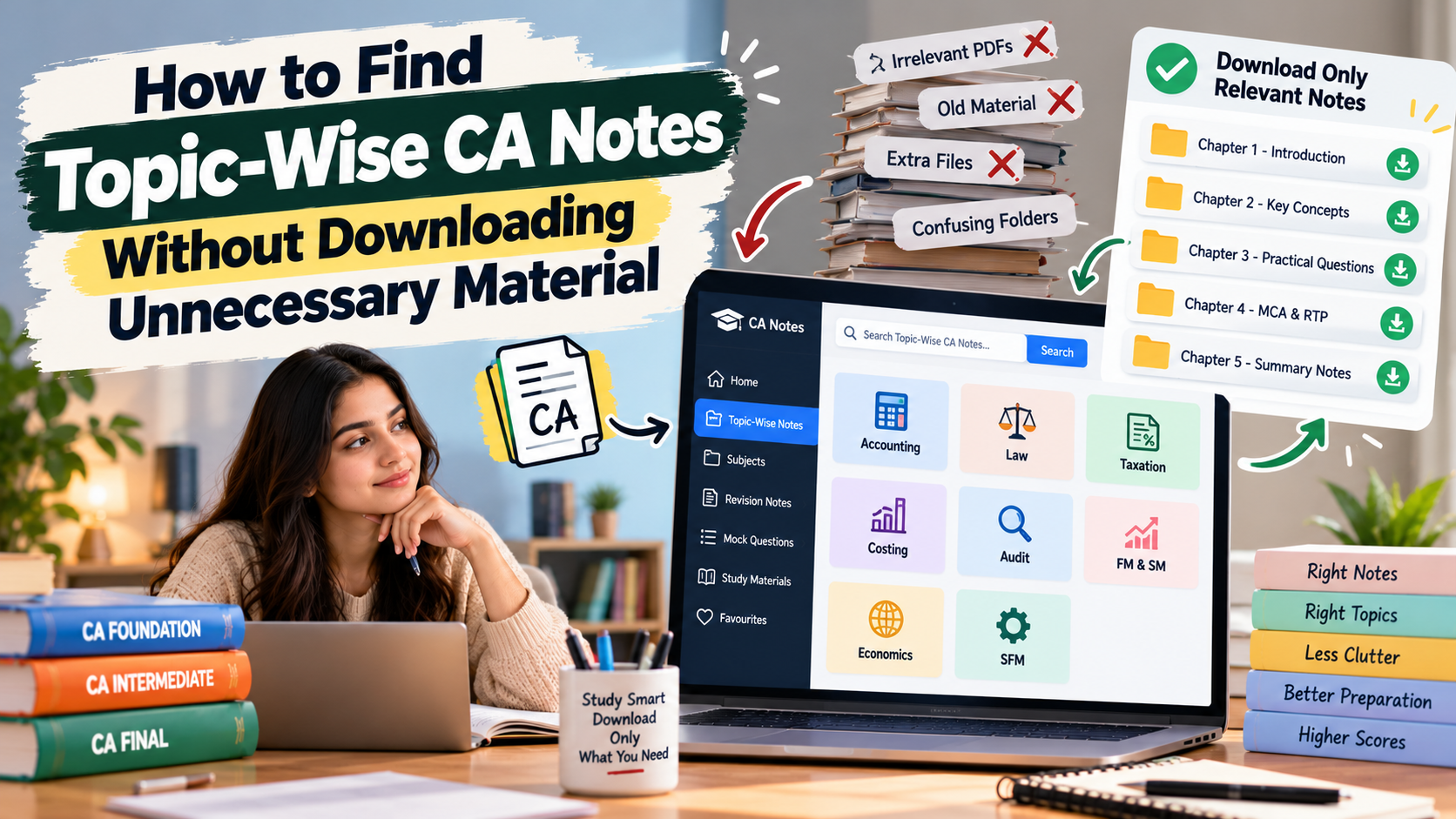
Table of Contents
- Why Topic-Wise CA Notes Are Useful
- 1. Identify the Exact Topic Before Searching
- 2. Check the Topic Against the Applicable Syllabus
- 3. Use Specific Search Terms
- 4. Preview Notes Before Downloading
- 5. Compare the Resource With Official Material
- 6. Select the Right Format for the Topic
- 7. Avoid Duplicate and Unnecessary Files
- 8. Organise Topic-Wise Notes for Quick Revision
- 9. Check Dates and Attempt-Specific Updates
- A Simple Workflow for Finding the Right Notes
- Topic-Wise CA Notes Checklist
- How Studycaller Can Fit Into Your Search
- Download Less, Study With More Focus
- Frequently Asked Questions
How to Find Topic-Wise CA Notes Without Downloading Unnecessary Material
Introduction
Searching for CA notes online can quickly turn into a folder full of PDFs that you never use. One file may cover an entire subject, another may include only selected chapters, and a third may repeat the same material with a different layout. Too many downloads can leave you unsure which resource to trust. Topic-wise CA notes help you focus on the exact concept you are studying. The key is to search with a clear purpose, confirm that the notes match your syllabus and download only material that fills a real gap. This guide explains how to find useful notes, organise them sensibly and avoid collecting resources that add little value.
Why Topic-Wise CA Notes Are Useful
Topic-wise notes break a subject into smaller, manageable units. Instead of opening a long PDF every time you need to revise one concept, you can go directly to the chapter or topic you are working on. This can help during first learning, practice sessions and last-stage revision. Smaller resources also make it easier to identify gaps. If you understand the theory but need more worked examples, you can look for practice material on that topic instead of downloading another complete subject guide. If you only need a short summary, a concise revision sheet may be more suitable than a lengthy set of notes. Still, topic-wise does not automatically mean accurate or complete. Check whether the notes belong to the right CA level, follow the applicable syllabus and explain the concept properly. A short file that leaves out an important condition may create more work later.
1. Identify the Exact Topic Before Searching
Before opening a search engine or educational website, write down what you need. Are you looking for a concept explanation, a formula summary, a worked example, a list of provisions or practice questions? Each need calls for a different resource. Combine the CA level, subject, topic and resource type in your search. For example, searching for “CA Inter costing marginal costing solved examples” is more focused than searching for all CA notes. Use the course level and subject name accurately to reduce irrelevant results. Also decide how much detail you need. If you are learning a topic for the first time, look for full explanations and examples. If you have already studied it, a short revision PDF or list of common mistakes may be enough. Defining the purpose first makes it easier to reject files that do not meet your need.
2. Check the Topic Against the Applicable Syllabus
Use the latest applicable syllabus and official study material from the Institute of Chartered Accountants of India (ICAI) as your reference point. Confirm the chapter name, subtopic and course level before downloading supplementary notes. Similar terms can appear at different levels, and the depth of coverage may differ. Keep a short syllabus checklist for each subject. Mark topics you have completed, those you still need to learn and those that require more practice. When searching for a particular topic, confirm that it belongs to your current course and that the resource covers the right scope. Do not assume that a file is current just because its title includes a recent year. Check the attempt or syllabus label and verify important updates against official information. If you find a mismatch, do not add the file to your main study folder until you have confirmed what applies.
3. Use Specific Search Terms
Specific searches make it easier to find targeted notes and reduce unrelated results. A useful search phrase usually combines four details: CA level, subject, topic and resource type. Add terms such as “summary,” “concept notes,” “solved examples,” “revision sheet” or “practice questions” depending on your goal. If the first search is too broad, try a different format term. For an explanation, search for topic notes or a worked example. For quick revision, add “short notes” or “revision summary.” For practice, search for topic-wise questions with solutions. Do not use “PDF download” as your only clue; it may surface poorly labelled or outdated files. Where a website has categories or a search function, use its subject and chapter filters. Browse the most relevant results first. You do not need to open every page or download every file to decide whether a resource is useful.
4. Preview Notes Before Downloading
Whenever possible, preview the file or inspect sample pages before saving it. Look for a clear topic heading, readable text, logical explanations and relevant examples. Check the contents page or first few pages to see whether the file covers the topic you searched for. Look for practical value rather than decorative design. For a numerical topic, the notes should show the approach and working steps. For a theory topic, they should explain key terms and relevant provisions in a way you can understand. If the file consists mainly of headings, screenshots or unexplained final answers, it may not be suitable for learning. Check the file length too. A very long PDF may contain the whole subject when you need only one topic. A very short file may omit explanations or exceptions. Choose the smallest resource that fully meets your learning need—not simply the smallest file.
5. Compare the Resource With Official Material
Supplementary notes can make a complex chapter easier to understand, but they should not be the only reference for syllabus coverage. Compare the selected topic with official material to check whether important subtopics, conditions, illustrations or exceptions are missing. If a short note simplifies a rule, make sure it has not changed the meaning. For practical subjects, verify the method with a reliable worked example. For theory subjects, check that definitions and provisions are represented accurately. If two resources conflict, confirm the point through current official material or a reliable academic source before memorising it. Once a topic-wise resource passes this check, use it as your supporting note. Avoid repeatedly searching for alternatives unless you discover a specific gap. Constantly switching resources can make your notes inconsistent and reduce time available for practice.
6. Select the Right Format for the Topic
Not every topic needs the same kind of notes. Some concepts require detailed explanations; others are best revised using a flowchart, table, formula sheet or set of solved questions. Select the format that matches the work you need to do. For a new or difficult concept, choose explanatory notes with examples. For formulas and formats, use a compact summary that states when each item applies. For theory chapters, a structured outline can help you recall headings and key points. For exam practice, choose a question set with solutions or suggested answers. Topic-wise resources can be combined, but keep the collection purposeful. One explanation PDF and one practice set may be enough for a chapter. You usually do not need five summaries that repeat the same definitions in slightly different words.
7. Avoid Duplicate and Unnecessary Files
Before downloading a file, check your existing folders. You may already have the same topic in your main notes, official module or revision sheets. Open the existing resource and identify exactly what is missing. Download another file only if it offers a clearer explanation, additional examples or a genuinely different type of practice. Use a simple rule: one main learning resource, one practice resource and one concise revision aid per topic, where needed. Not every topic needs all three. A familiar topic may require only a few questions, while a difficult chapter may need detailed notes and repeated practice. After a study session, delete obvious duplicates from your working folder and keep one clearly labelled version. If you retain another version for comparison, add a note explaining why. This prevents revising from different PDFs that use inconsistent terminology or reflect different syllabus versions.
8. Organise Topic-Wise Notes for Quick Revision
Create folders by CA level, subject and topic. Inside each topic folder, separate explanatory notes, practice questions, solutions and revision summaries. This makes it easy to locate a resource without searching through a large downloads folder. Use descriptive filenames such as “Subject_Topic_ConceptNotes_Attempt” or “Subject_Topic_PracticeQuestions.” Include an attempt label where it matters and avoid filenames like “new,” “latest final” or “PDF 4.” If you print material, use dividers or labels so it stays connected to the relevant chapter. Keep a simple tracker with columns for topic, main notes selected, questions attempted, doubts remaining and next revision date. When a topic is complete, update the tracker and move on. Reopen the search process only if practice reveals a gap that your current material does not address.
9. Check Dates and Attempt-Specific Updates
Some CA subjects and exam attempts may require updated provisions or other changes. Check the date, course level and attempt information shown on the notes. For amendments and examination announcements, use the relevant official notices and materials as the authority. Keep update sheets separate from general notes and label them clearly. If an update changes a point in your topic-wise notes, mark the correction in the main file or attach a reference to the updated sheet. Avoid keeping old and current explanations side by side without indicating which applies. Be careful with files shared through informal groups. They can be useful leads, but verify their origin and accuracy before depending on them. A clear, current and slightly shorter resource is more useful than a large collection of uncertain PDFs.
A Simple Workflow for Finding the Right Notes
Use the same process whenever you need a new resource. First, identify the topic and your goal. Second, confirm the topic in the applicable syllabus. Third, search using the course level, subject, topic and format. Fourth, preview the best candidates and compare the content with official material. Finally, save only the resource that fills the gap you identified. After selecting the notes, apply them immediately. Read the explanation, write down the key idea in your own words and attempt a few relevant questions. If you can explain the concept and answer questions correctly, the resource is probably doing its job. If you cannot, identify what is missing before searching again. This approach turns resource selection into a short task rather than an ongoing activity. It also helps you build a consistent collection over time instead of downloading large batches of material at the start of preparation.
Topic-Wise CA Notes Checklist
Use this checklist before adding any file to your collection. If you cannot answer these questions, pause before downloading and confirm what you need.
| Check | Question to ask | Ready? |
|---|---|---|
| Purpose | Do I need explanation, revision or practice? | ☐ |
| Syllabus | Does this topic match my CA level and current syllabus? | ☐ |
| Relevance | Does the file cover the exact topic I need? | ☐ |
| Quality | Are the explanations readable and examples useful? | ☐ |
| Accuracy | Have I checked important points against official material? | ☐ |
| Uniqueness | Does this file add something missing from my existing notes? | ☐ |
| Organisation | Do I know where I will save and revise it? | ☐ |
How Studycaller Can Fit Into Your Search
Studycaller can be explored as one option when looking for CA learning and revision resources. Use a specific topic or subject need to guide your search, and assess whether the available material suits your course level and study stage. The aim is to find a resource that supports your preparation, not to collect every file a platform offers. Keep the latest applicable ICAI material as your reference for syllabus coverage and official updates. Use supplementary topic-wise notes when they explain a concept more clearly, provide useful examples or help you revise efficiently. Once a resource meets that need, stop searching and put it into practice.
Download Less, Study With More Focus
Finding topic-wise CA notes is easier when you decide what you need before you search. Confirm the syllabus, use specific search terms, preview the file, check its accuracy and compare it with the resources you already have. Download only when the new material offers a clear benefit. A small, organised collection can support better preparation than a folder filled with duplicate PDFs. Choose notes that help you understand the topic, practise questions and revise key points. With a simple selection process and regular use, Studycaller and other supplementary resources can become part of a more focused self-study routine.

FAQs
Frequently Asked Questions
What are topic-wise CA notes?
Topic-wise CA notes cover a specific chapter, concept or subtopic instead of an entire subject. They help students focus on a particular learning need, revise smaller sections and find practice material without downloading unnecessary full-length PDFs.
How can I find CA notes for one topic only?
Search using your CA level, subject, exact topic and resource type, such as concept notes, solved examples or revision summary. Preview the result before saving it and check whether it covers the exact area you need.
Should I download full-subject CA notes or topic-wise notes?
Use full-subject notes when you need a broad reference, and topic-wise notes when you need targeted help or revision. The right choice depends on whether you are learning a subject for the first time or revisiting a specific concept.
How do I know if topic-wise CA notes are updated?
Check the course level, syllabus or attempt label, then compare important details with the latest applicable official ICAI material. Verify amendments through official notices instead of relying only on a file title or upload date.
Are free CA notes PDFs reliable?
Some free PDFs are useful, but check their accuracy, readability, coverage and syllabus relevance before depending on them. Use official material to verify important concepts, provisions and updates, and avoid unclear or incomplete files.
How many PDFs should I keep for one topic?
There is no fixed number, but begin with one main explanation and one practice resource if needed. Add a revision sheet only when it serves a different purpose, and avoid keeping multiple files that repeat the same content.
Can topic-wise notes replace ICAI study material?
Topic-wise notes can simplify learning and revision, but they should not automatically replace official study material. Use the applicable ICAI material to confirm syllabus coverage and check important details, especially when supplementary notes are brief.
What should I look for in topic-wise notes for practical subjects?
Look for clear methods, step-by-step workings, relevant formulas, assumptions and solved examples. Notes that show only the final answer may not help you understand how to approach a new question independently.
How should I organise topic-wise CA PDFs?
Create folders by CA level, subject and topic, then separate explanations, questions, solutions and revision summaries. Use descriptive filenames and include the applicable attempt label where relevant to prevent confusion.
Can Studycaller help me find topic-wise CA notes?
Studycaller can be explored as a supplementary source for CA learning and revision resources. Check that any material you select matches your level, fits your study goal and complements the latest applicable ICAI material.