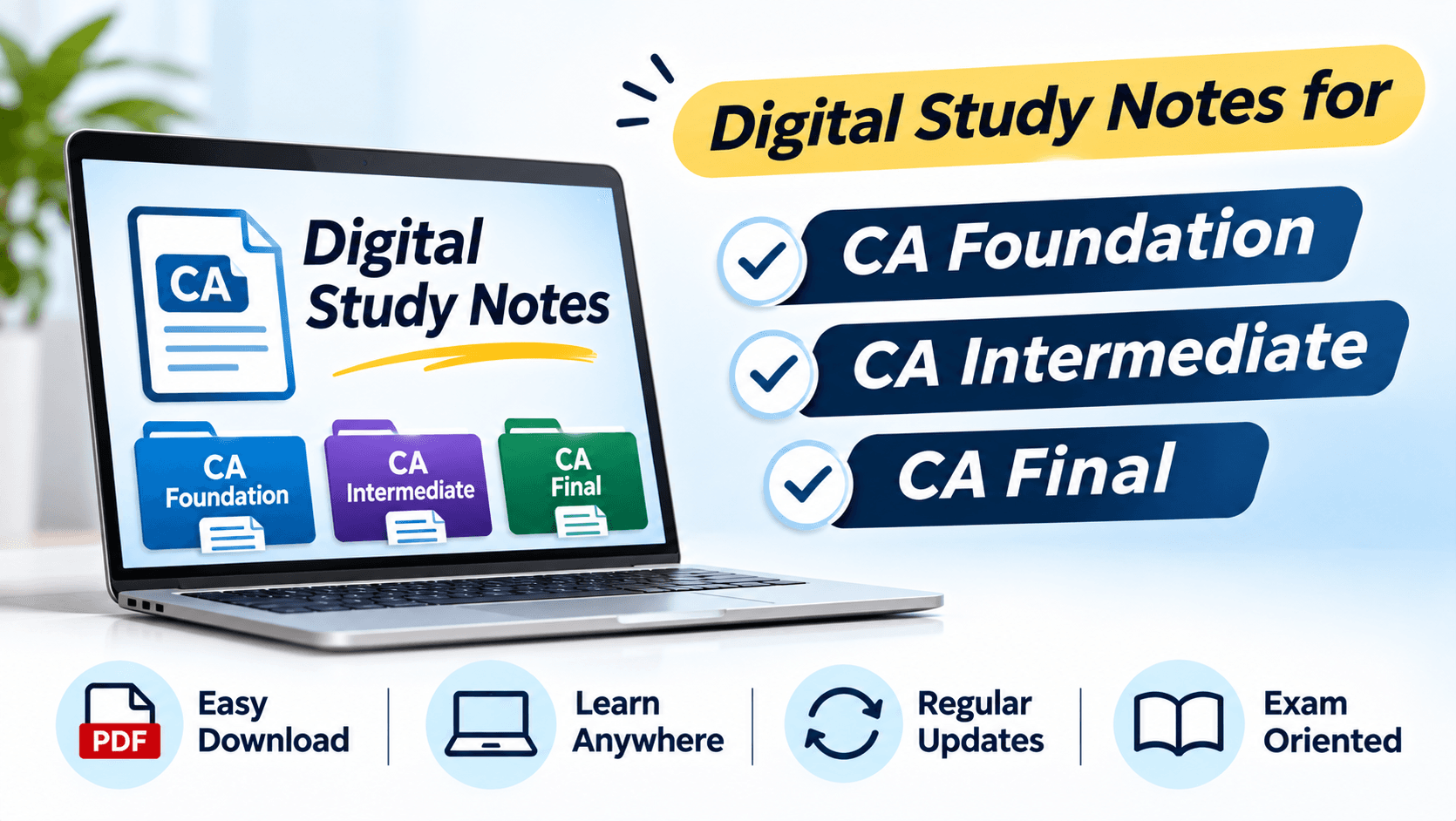
Digital Study Notes for CA Foundation, Intermediate and Final
Learn how to organise digital study notes for CA Foundation, Intermediate and Final, manage files, revise effectively and keep preparation material updated.
In this article(9 sections)ShowHide
Effective CA preparation requires more than completing chapters. Students need to understand concepts, revise them regularly and apply them accurately in examination questions. Well-organised study material can make this process easier, particularly when the syllabus is extensive.
This guide explains practical ways to organise and use revision resources while staying aligned with current applicable ICAI material. Studycaller can be part of a wider learning routine alongside independent practice and regular self-assessment.
How digital notes support CA preparation
CA students often work with multiple subjects, chapters, question banks and revision resources. Digital notes can bring this information into an organised system that is easy to search, edit and access across devices. Their value depends on how clearly they are arranged and actively used.
Choose a simple note-taking system
Choose a reliable tool that works on your devices and supports folders, search, editing, backups and offline access. A word processor, note-taking application or searchable PDF tool may be enough. Avoid moving between too many platforms because scattered notes are difficult to maintain.
Create a clear folder structure
Separate material into CA Foundation, CA Intermediate and CA Final folders. Within each level, create subject folders and chapter-wise sections. Use consistent file names that include subject, chapter and version date where useful. Keep separate folders for official updates, mock-test analysis and error logs.
Adapt notes to each CA level
Foundation notes may focus on basic concepts, definitions, formats and introductory problem-solving. Intermediate notes may need detailed provisions, practical workings and comparisons. Final notes may require deeper analysis, integrated concepts and updates. Use a common folder system but adapt the note format to the subject.
Use searchable headings and concise explanations
Use clear headings that reflect the chapter and topic. Write short explanations, numbered steps and tables where they improve understanding. Searchable headings make it easier to locate a provision. Avoid copying large sections without processing them; write in your own words while retaining technical accuracy.
Add diagrams, tables and worked examples
Add flowcharts to show sequences, tables to compare concepts and selected worked examples to explain methods. Keep each visual focused on one learning purpose. For numerical subjects, include the steps and reasoning behind the result so that the example teaches a method.
Keep amendments and versions under control
Add a date or version label when making important changes. Keep a backup of original material and record the source of corrections. Verify examination-specific information through official sources. Review update folders regularly and remove duplicate or superseded files from the active revision area.
Combine digital notes with tests
Reading on a screen can become passive. Turn headings into questions, hide answers and try to recall the content. Solve questions without relying on saved notes, record errors and update the relevant section. Keep notifications away during study and set limits for formatting and file organisation.
Quick Reference Table
| Digital note feature | Recommended approach | Benefit |
|---|---|---|
| Folder structure | Course → Subject → Chapter | Fast retrieval |
| Searchable headings | Use clear topic names | Quick navigation |
| Version control | Date important updates | Avoids outdated copies |
| Active recall | Hide notes and reproduce content | Tests real retention |
| Backup | Keep a second copy | Protects study material |
CA Foundation notes students love
Free notes from the Studycaller library, picked for this article.
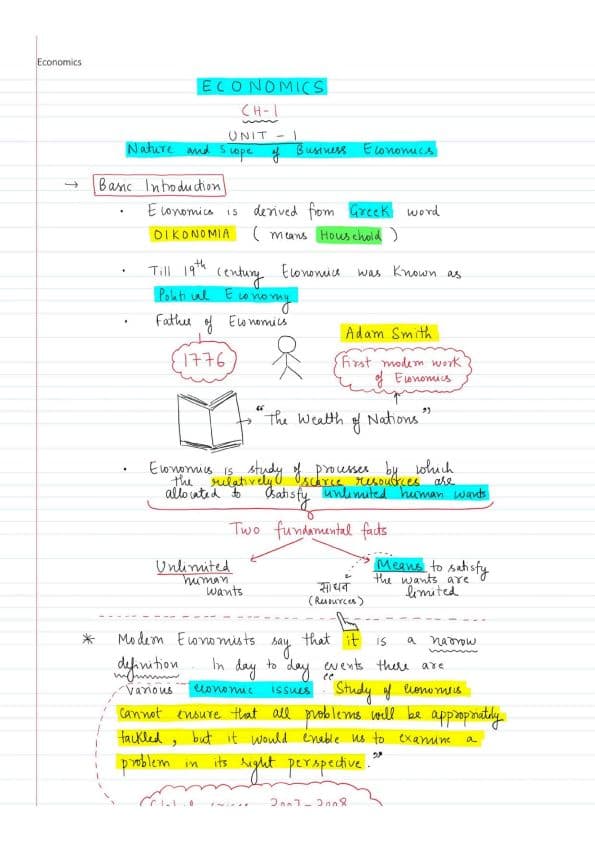 Amendments
CA Foundation · Business Economics
Full economics handwritten notes by CA Parag Gupta sir
Heet HingrajiyaLikes 209Views 68.6k Detailed Notes
CA Foundation · Business Economics
"Hi guys! Maine kuch naya try kiya Economics me — ek alag andaaz, ek alag soch. Chapter 1: Nature & Scope of Business Economics – Unit 1
مُحَمَّدLikes 126Views 14.7k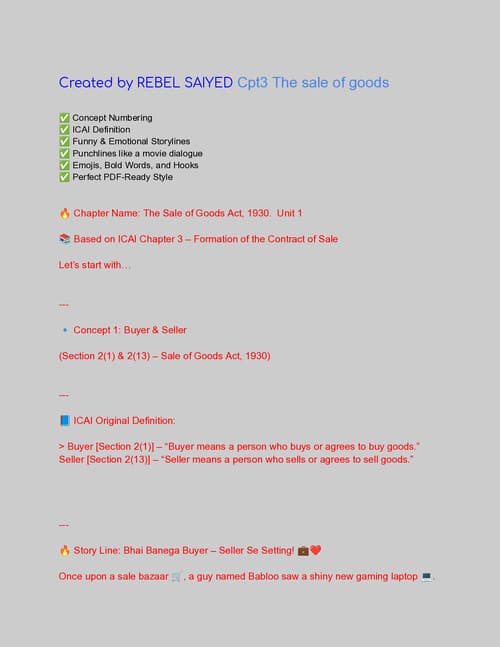 Charts
CA Foundation · Business Laws
Chpter 3 the sale of goods act Unit. 1 only. Full of story line Concept clarity and funny stories punch lines
مُحَمَّدLikes 118Views 14.2k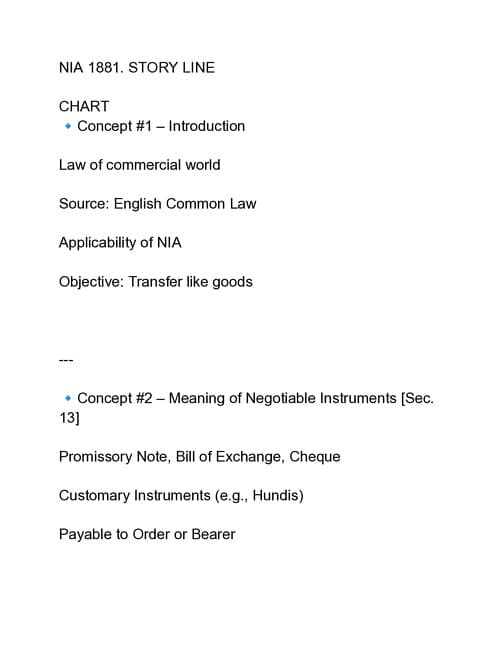 Amendments
CA Foundation · Business Laws
Nia 1881 story line pdf Coverage total 11 Concept
مُحَمَّدLikes 117Views 12.6k
Frequently asked questions
Are digital notes useful for CA students?
Yes. They can be searched, edited and organised across course levels when students maintain clear folders and use them actively.
Which app is best for making CA digital notes?
Choose a reliable tool with folders, search, editing, backups and offline access. A simple document or note application may be enough.
Should Foundation, Intermediate and Final notes be stored separately?
Yes. Use separate course-level folders, then organise subjects and chapters within them to prevent material from getting mixed.
Are digital notes better than handwritten notes?
Neither format suits everyone. Digital notes are easy to search and update, while handwriting can support active learning.
How should I organise digital CA study material?
Use a course, subject and chapter folder structure. Keep separate folders for updates, practice papers and error logs.
How can I keep digital notes updated?
Verify official updates, record sources and dates, and maintain one clearly labelled current version.
Can I use digital notes for last-minute revision?
Yes, if they are concise, accurate and organised in advance. Use searchable headings and active-recall prompts.
How do I avoid distractions while studying digitally?
Silence unnecessary notifications, keep relevant files open and decide the task before starting. Limit time spent formatting notes.
Should I add mock-test mistakes to digital notes?
Yes. Record recurring errors and corrections in the relevant chapter file or a separate error log.
How can Studycaller help with digital CA preparation?
Studycaller can complement a digital study system with organised learning and revision support alongside official material and practice. Studycaller can support a structured preparation routine when used alongside current official study material, regular revision and independent question practice.