How to Create a Subject-Wise CA Notes Index for Faster Study Navigation
Learn how to build a subject-wise index for CA notes with chapter names, page references, formulas, provisions and revision status for faster navigation.
In this article(10 sections)ShowHide
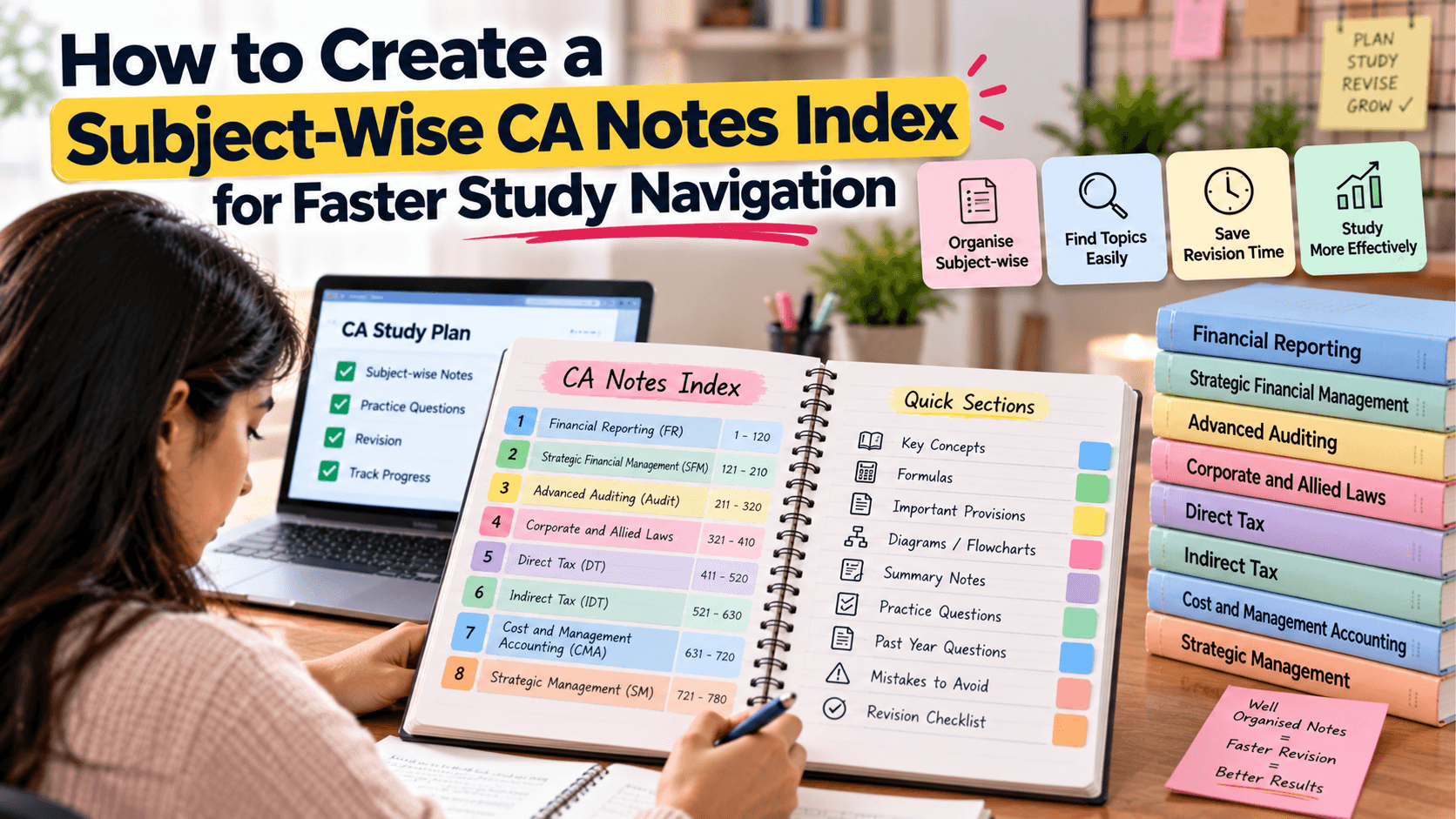
As CA preparation grows, notes can spread across notebooks, loose sheets, printed modules and digital files. Even useful notes become frustrating when you cannot find a formula, provision or example quickly. A subject-wise index gives important topics a clear location and helps you move from a question or syllabus heading to the right revision page.
Why Create a Subject-Wise Index?
An index reduces time spent searching and makes it easier to see what has been covered. It can reveal missing syllabus areas, duplicated notes and topics that need revision. Rather than summarising every chapter, the index acts as a navigation map.
Start With the Official Syllabus
Use the syllabus applicable to your course and attempt as the main structure. List subjects and chapters in order, then add subtopics important for revision. This helps your personal notes follow the required syllabus rather than the order in which you happened to study.
What to Include in the Index
| Field | What to record | Benefit |
|---|---|---|
| Subject and chapter | Official heading | Matches syllabus structure |
| Topic | Provision, formula or example | Finds specific information |
| Location | Page number or file name | Directs you to the note |
| Source | Module or question reference | Supports verification |
| Revision status | Not revised, revised or needs practice | Shows the next task |
| Update date | Date checked | Helps track current details |
Choose a Format You Will Maintain
A notebook index works well for handwritten notes; a spreadsheet or searchable document may be easier for digital material. A hybrid system can include a printed index and links to PDFs. Avoid maintaining several competing indexes that become outdated.
Use Consistent Labels and Page References
Use the same format for page numbers, PDF pages and file names. If a topic appears in multiple places, list the main explanation and cross-reference examples or question practice. Note when PDF page numbers differ from printed page numbers.
Match the Index to Your Workflow
Use the index to select a chapter before revision, locate a concept after a mock test or find formulas before an exam. Add a revision-status field only if you update it regularly and honestly.
Keep It Updated
Whenever you add a page, move a section or update a digital file, update the index. Use stable file names and clearly replace old references if a notebook order changes.
Use the Index to Find Gaps
Compare the index with the official syllabus periodically. If a chapter or subtopic is missing, decide whether it needs notes, revision or practice. A blank entry helps you act before the exam is close.
Digital and Handwritten Index Tips
For digital notes, use searchable headings and descriptive file names, and keep backups. For handwritten notes, reserve pages at the beginning and number pages consistently. Keep the system simple enough to use during short revision breaks.
Studycaller and Organised Revision
After a test or practice session, use the index to return to the relevant topic, update your notes and mark the next revision action. Studycaller can be part of your wider preparation routine, while the index keeps your own notes accessible.
Notes students love
Free notes from the Studycaller library, picked for this article.
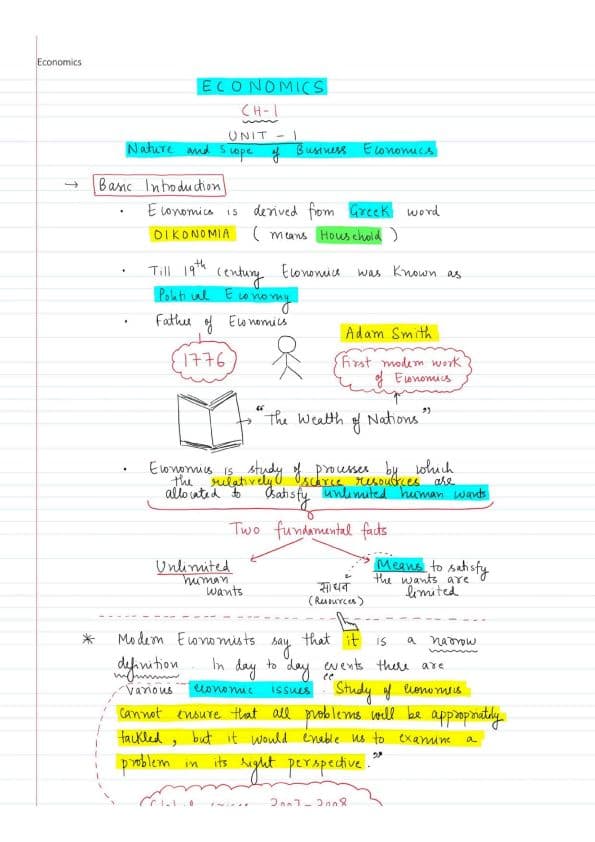 Amendments
CA Foundation · Business Economics
Full economics handwritten notes by CA Parag Gupta sir
Heet HingrajiyaLikes 209Views 68.6k Detailed Notes
CA Foundation · Business Economics
"Hi guys! Maine kuch naya try kiya Economics me — ek alag andaaz, ek alag soch. Chapter 1: Nature & Scope of Business Economics – Unit 1
مُحَمَّدLikes 126Views 14.7k Charts
CA Foundation · Business Laws
Chpter 3 the sale of goods act Unit. 1 only. Full of story line Concept clarity and funny stories punch lines
مُحَمَّدLikes 118Views 14.2k Amendments
CA Foundation · Business Laws
Nia 1881 story line pdf Coverage total 11 Concept
مُحَمَّدLikes 117Views 12.5k
Frequently asked questions
What is a subject-wise CA notes index?
It is a navigation list of subjects, chapters, topics and their page or file locations.
Should the index follow the ICAI syllabus?
Yes. Use the syllabus applicable to your attempt as the main structure.
Can I index handwritten notes?
Yes. Reserve pages at the beginning or maintain one master index with notebook and page references.
What should I include?
Include subject, chapter, topic, page or file location, source references and revision status where useful.
Is a spreadsheet better than a notebook?
Neither is always better. Choose the format you can maintain consistently.
How do I index PDF notes?
Record file names, headings and PDF page numbers, remembering they may differ from printed page numbers.
How often should I update the index?
Update it whenever you add, move or revise a note.
Can an index identify syllabus gaps?
Yes. Compare it with the official syllabus and mark topics without corresponding notes or revision entries.
Should I add revision status?
It can help if updated honestly. Use simple labels such as not revised, revised and needs practice.
Can Studycaller replace my index?
No. Your index should map the notes and resources you personally use.